Choosing between open source and proprietary software is no longer a technical decision alone—it’s a strategic one. From startups and enterprises to governments and developers, the software model you choose directly affects cost, control, scalability, and long-term risk.
This guide breaks down open source vs proprietary software in practical terms—without bias, buzzwords, or marketing spin.
What Is Open Source Software?
Open source software is software whose source code is publicly available. Anyone can view, modify, improve, and redistribute it under defined licenses.
Popular examples include Linux, WordPress, MySQL, Apache, and Kubernetes—many of which power the modern internet and cloud infrastructure.
Key Characteristics
- Source code is transparent and accessible
- Community-driven development
- High customization flexibility
- No mandatory licensing fees
If you want a deeper technical perspective, read our guide on What is Linux and Why It Powers Modern Servers
What Is Proprietary Software?
Proprietary software is owned and controlled by a company or vendor. The source code is private, and users must operate within licensing terms.
Common examples include Microsoft Windows, Adobe Photoshop, Oracle Database, and SAP software suites.
Key Characteristics
- Closed source code
- Vendor-controlled updates and roadmap
- License or subscription-based pricing
- Dedicated customer support
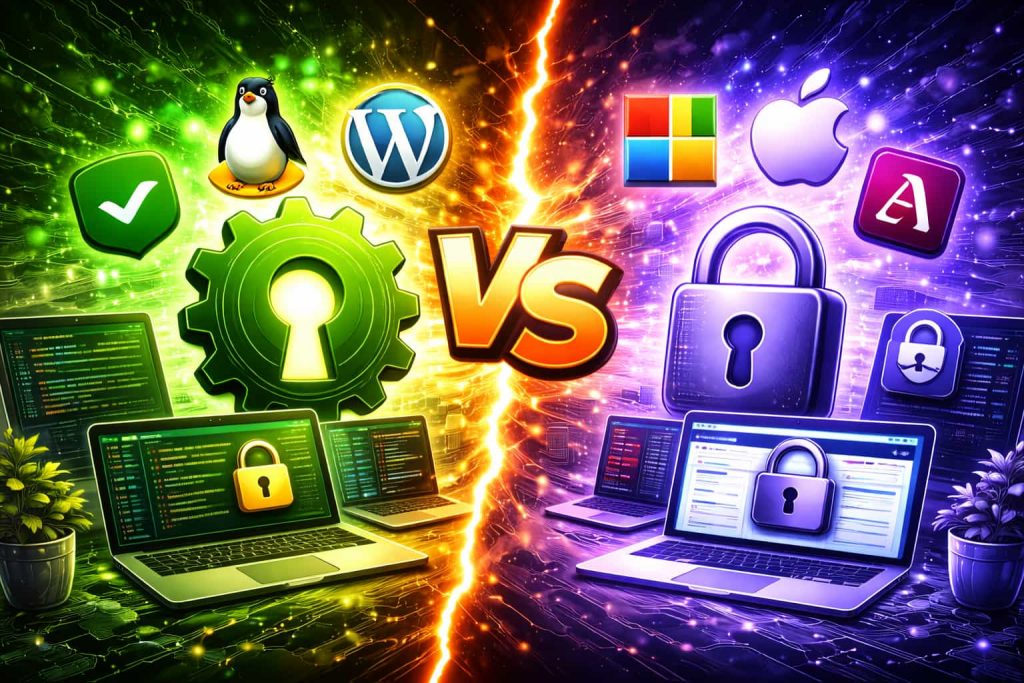
Open Source vs Proprietary Software: Core Differences
| Aspect | Open Source | Proprietary |
|---|---|---|
| Cost | Usually free or low-cost | Paid licenses or subscriptions |
| Customization | Fully customizable | Limited by vendor |
| Security | Community-audited | Vendor-managed |
| Support | Community or paid third-party | Official vendor support |
| Vendor Lock-in | None | High |
Pros and Cons of Open Source Software
Advantages
- No licensing fees
- Freedom to modify and scale
- Strong transparency and trust
- Large global developer communities
Disadvantages
- Requires technical expertise
- No guaranteed support unless paid
- Fragmented documentation in some projects
Pros and Cons of Proprietary Software
Advantages
- Professional customer support
- Polished UI and user experience
- Clear accountability
Disadvantages
- High long-term cost
- Vendor lock-in risk
- Limited flexibility
The choice depends on your goals:
- Startups & developers: Open source offers flexibility and low cost
- Enterprises: Often use a hybrid approach
- Non-technical teams: Proprietary tools reduce complexity
For hosting environments, open-source stacks dominate. Explore: What Is VPS Hosting and How It Works
Open Source with Proprietary: The Hybrid Reality
Most modern businesses already use both. For example:
- Linux servers running proprietary SaaS tools
- Open-source databases with paid enterprise support
- WordPress with premium plugins
This hybrid model offers flexibility without sacrificing reliability.
Ans: Yes. Many open-source tools are more secure due to transparent code review and rapid patching.
Ans: They value guaranteed support, compliance certifications, and reduced operational risk.
Ans: Yes, most licenses allow commercial use, but terms vary.
Ans: Open source generally offers better scalability and cost control over time.
Related Resources:
Software Insights | Shared Web Hosting Solutions | VPS Hosting
Building with the right software stack?
Compare hosting, software, and infrastructure options on ITMart24.